Sauce Book
A recipe book for homemade hot sauce. It's simple enough for your first batch, and it has the details serious makers need: pH, salt percentage and ferment tracking.

Free · iPhone and iPad on iOS 18 or later · also runs on Apple Silicon Macs
The book
01A numbered label for each sauce.
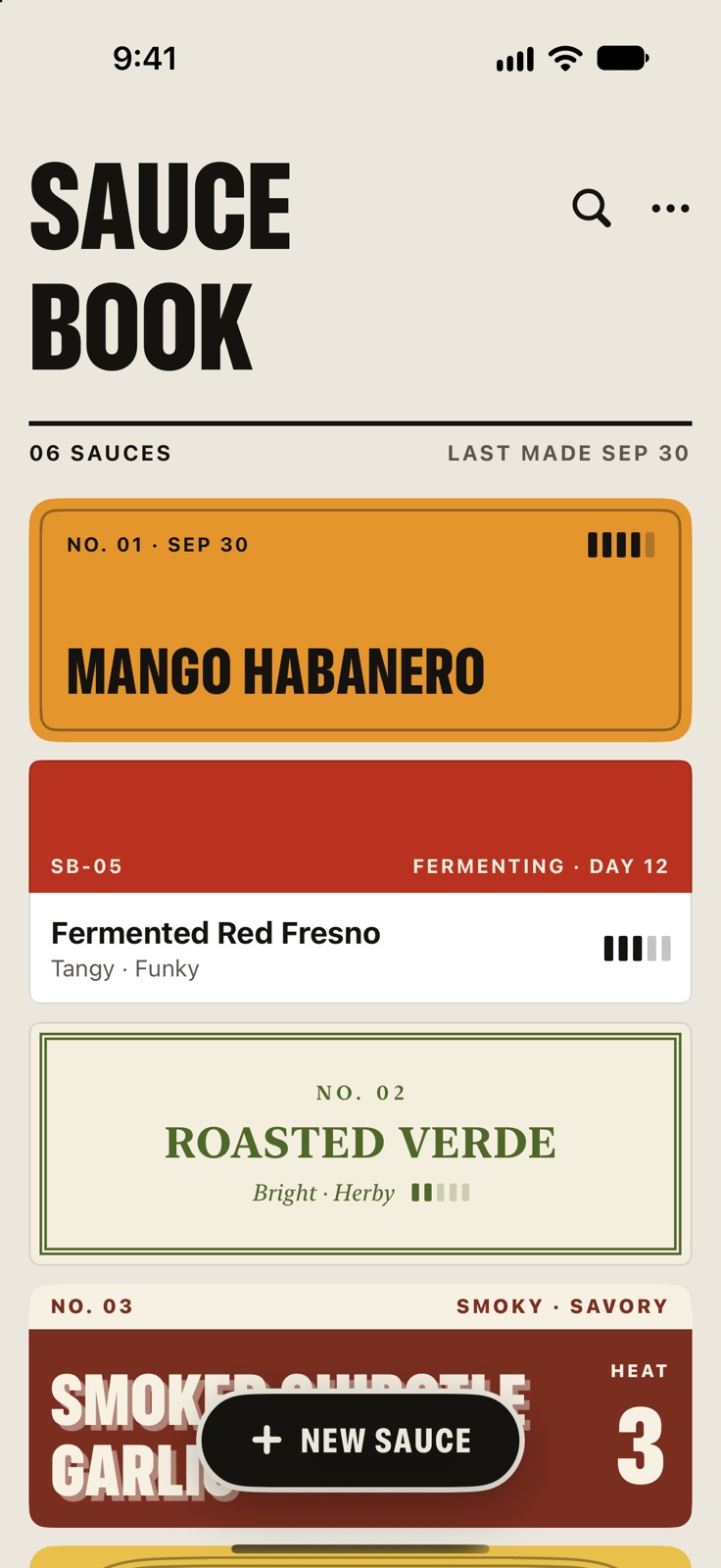
Each sauce gets a numbered label in its own color, so it's easy to spot. The number stays with the sauce for good.
The sauces you made most recently sit at the top, fermenting ones show what day they're on, and search finds a sauce by its name or any ingredient.

Ingredients
02Write it down while you cook.
Get the ingredients down first, then name the sauce whenever you're ready. Type 200g habanero, roasted and press Return. The amount goes on the right, and anything after the comma becomes a note under the name.
Suggestions remember how much you used last time. You can paste in a whole list at once, and everything saves as you go.
Cook from it
03Scale it to what you have.
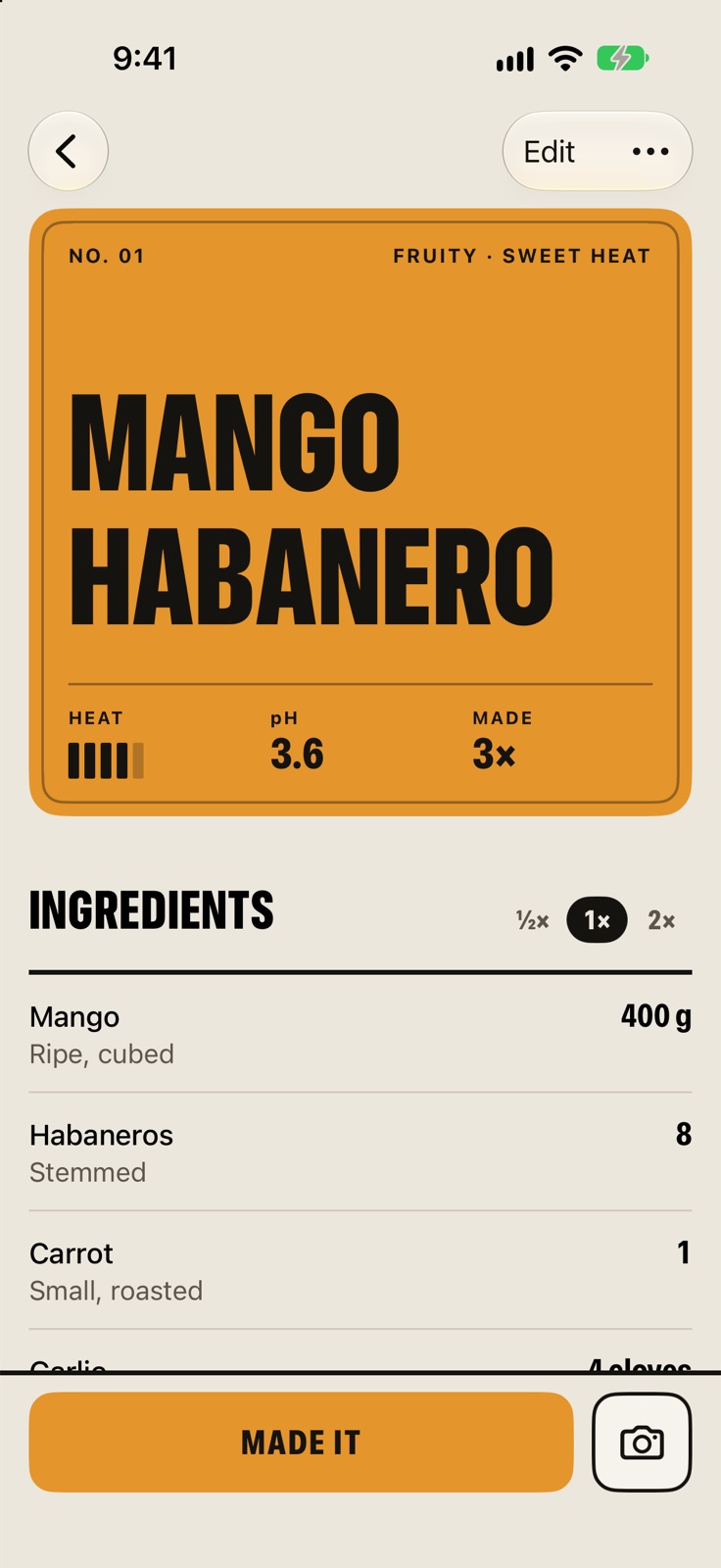
The sauce page reads top to bottom like a recipe card, and the screen stays on while it's open.
- ½× 2×Half or double batch. The amounts change with it. The saved recipe doesn't.
- 340 gType what's on the scale. Tap an amount, type what you have, and every other amount scales to match.
- 2.4%Salt and pH on the label. Salt percentage is worked out by weight and shown next to your pH.
Batches
04A journal for each sauce.
Tap Made it after each batch to log what you changed, how it came out, the pH and a photo. The recipe stays the same unless you edit it.
- Day 12Ferments count their days. Give a ferment a start date and its label counts the days until you bottle it.
- RiffRiff on a sauce to try a variation without touching the original.
- ShareShare any recipe as an image card. Your batch notes stay private.

Privacy
05No account, no ads, no tracking.
Your book is saved on your devices and syncs through your own iCloud between iPhone, iPad and Mac. I can't see your recipes.
Supporter
06Free to use. A few extras if you'd like to chip in.
Everything above is free and stays free. If you'd like to support Sauce Book, Supporter is a one-time purchase that helps cover what it costs me to keep it on the App Store, and it comes with a few extras.
- PrintPrintable bottle labels. Fronts and backs, nine to a US Letter sheet of sticker paper. The back lists what's in it and when it was bottled.
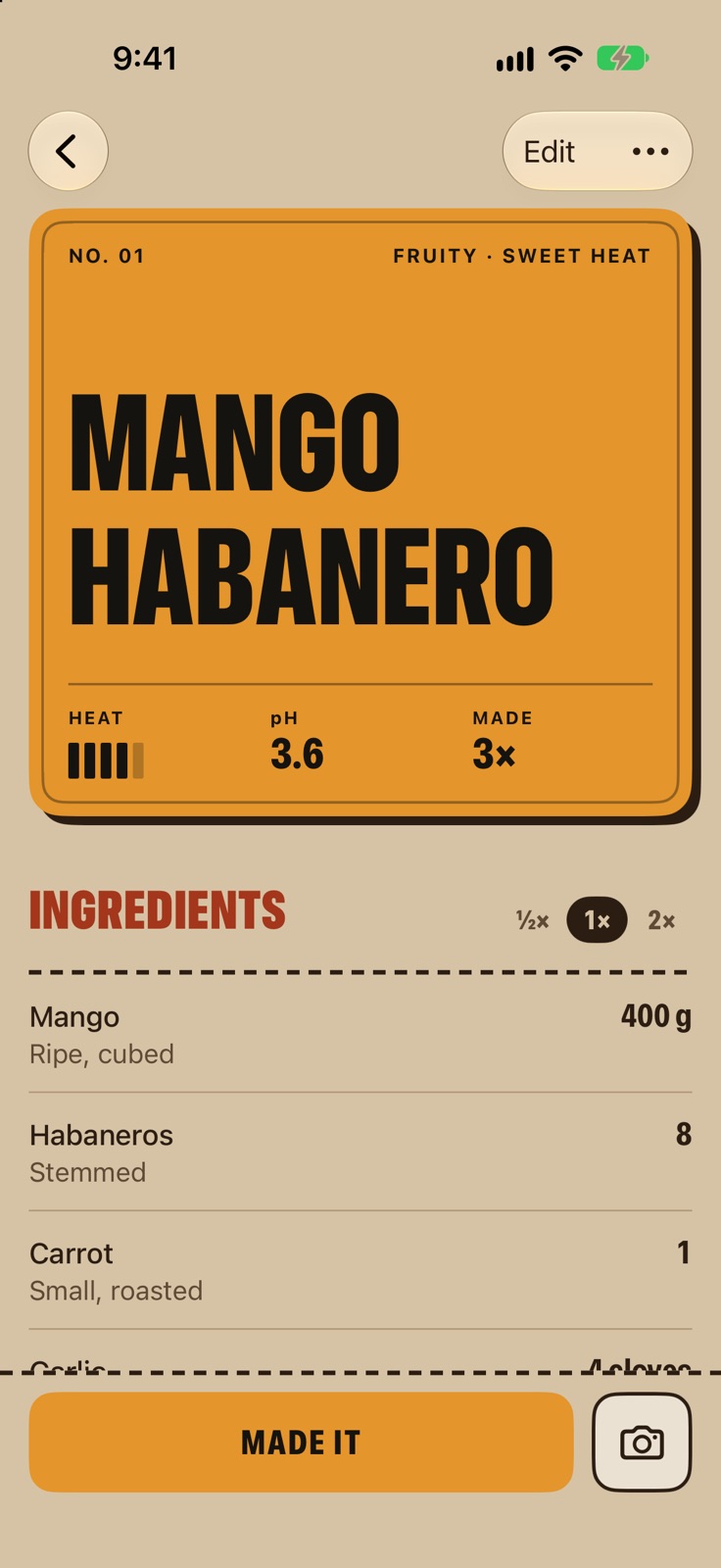
- StylesFive more label styles, picked sauce by sauce: Letterpress, Screen print, Apothecary, Paint chip and Kraft stamp.
- ThemesFour themes for the whole book, each with a light and a dark version.
- IconsFour more app icons: Verde, Garlic, Ink and Press.
- Day 12A fermentation widget for the Home Screen and Lock Screen, counting the days on whatever's fermenting.
$4.99, once. No subscription. Try any style or theme in the app before you decide.
Start your book
Sauce Book is free on the App Store. If you make hot sauce, try it on your next batch, and tell me what you think.
Get it on the App StoreFor iPhone and iPad on iOS 18 or later, and Apple Silicon Macs. No account to make.